

- Topics covered: -
- How to Configure Order Fulfilled Trigger
- Practical Example
How to Configure Order Fulfilled Trigger
While creating the Trigger Based Flows select Order Fulfilled trigger.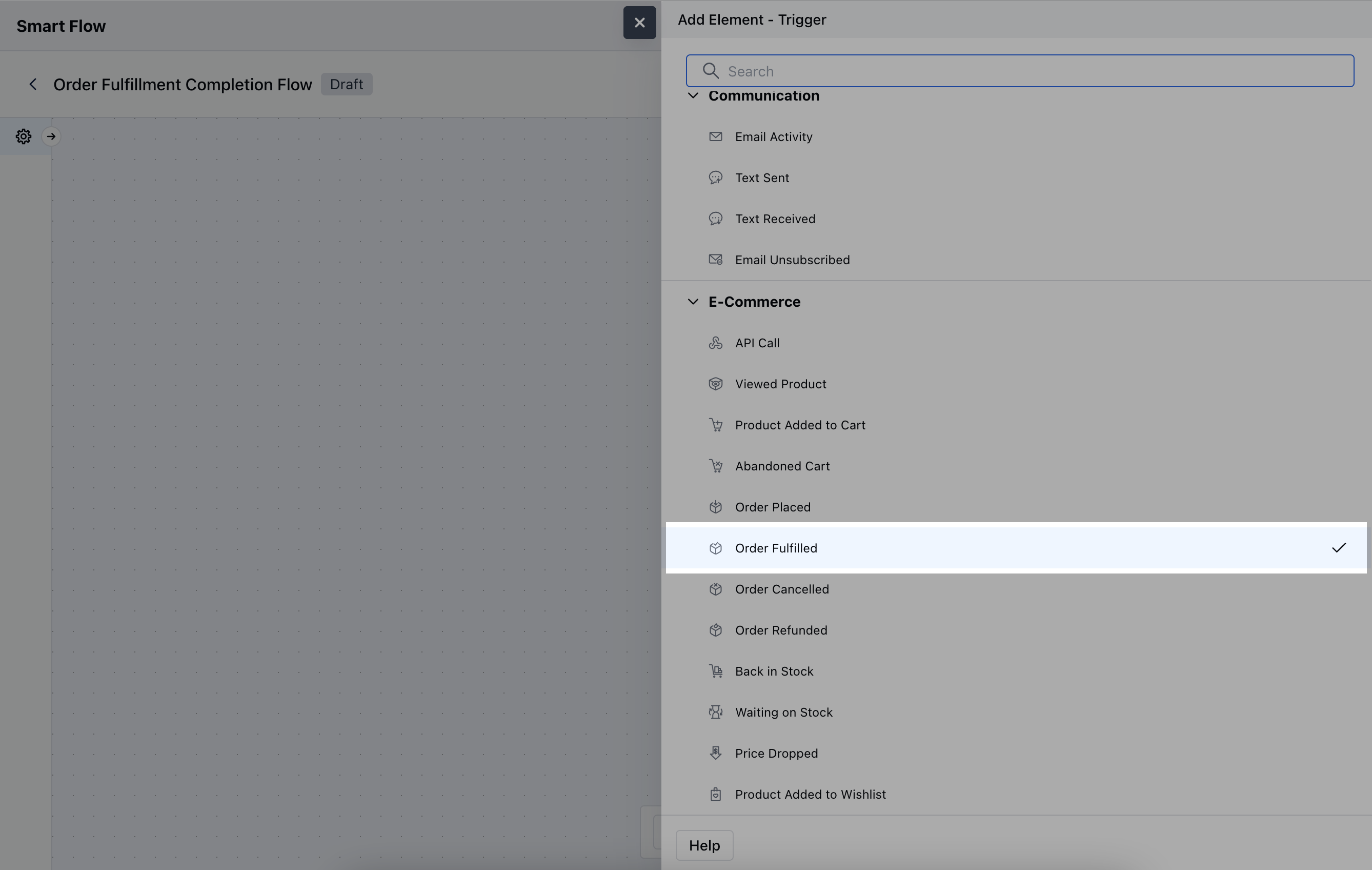
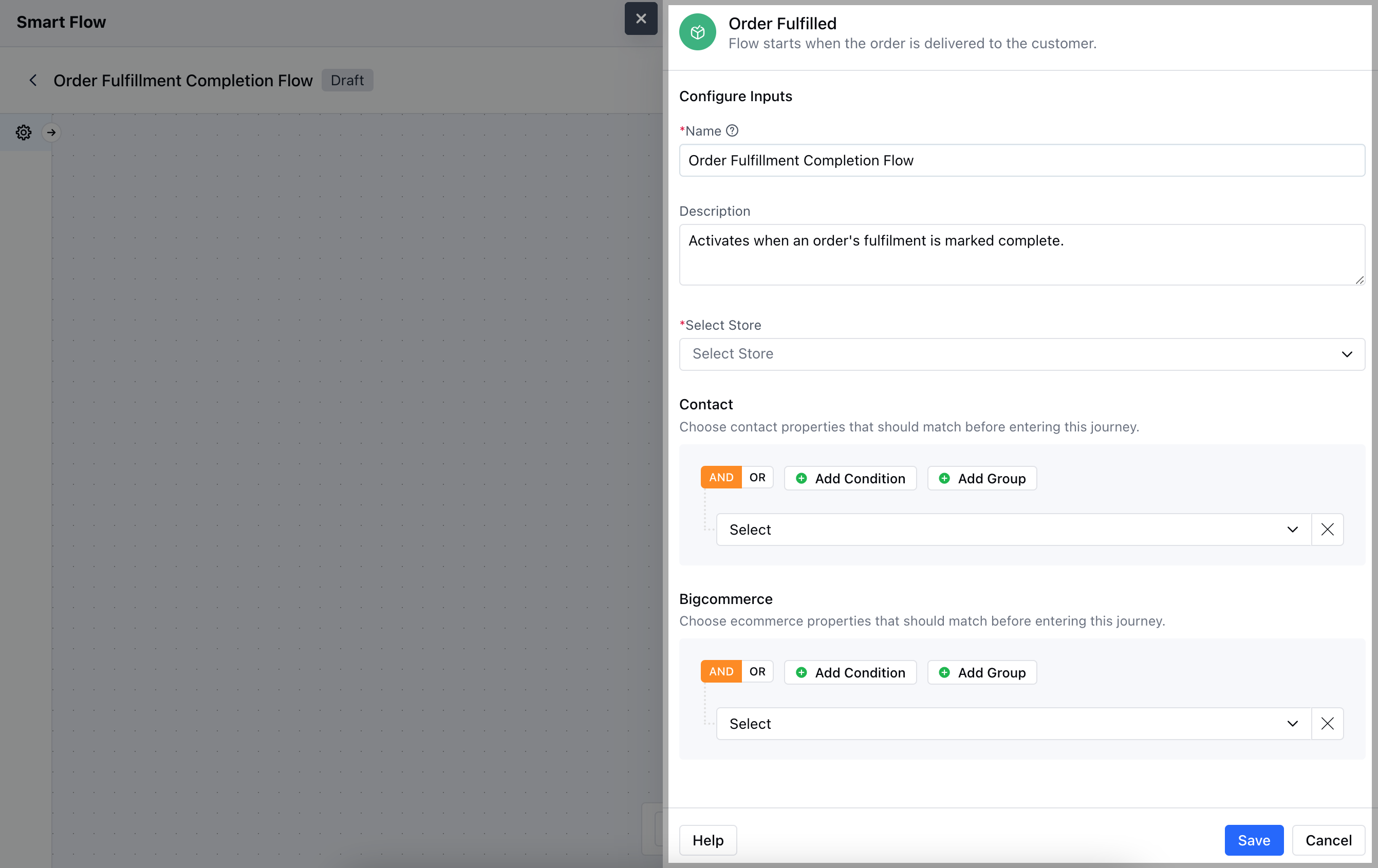
- Description: Write a brief explanation of the trigger’s function.
- Select Store: Choose the BigCommerce Store where the order fulfillment process is tracked.
- Contact: Add contact-related conditions such as email, phone number, or other customer attributes that should match before the trigger is activated.
- BigCommerce: Add specific BigCommerce conditions related to the order fulfillment process. This allows the trigger to activate for specific types of orders or customerOnce the configuration is completed, hit Save.
Practical Example
Let’s create a Smart Flow to nurture your customers once the order placed by them was finally delivered. We’ll first out an email saying ‘The order was successfully Delivered’, upon that we’ll Add a delay of say about a day and send out another email asking for the Product Feedback, that they ordered and rate their Shopping Experience.