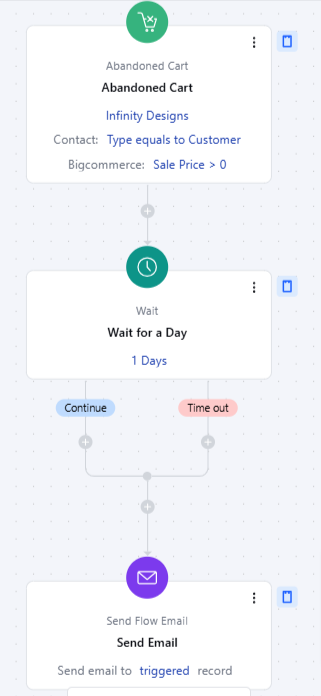
- The Abandoned Cart trigger starts a flow when a customer adds items to their shopping cart but leaves the site without completing the purchase.
- Topics covered: -
- How to Configure Abandoned Cart Trigger
- Practical Example
How to Configure Abandoned Cart Trigger
While creating the Trigger Based Flows select Abandoned Cart trigger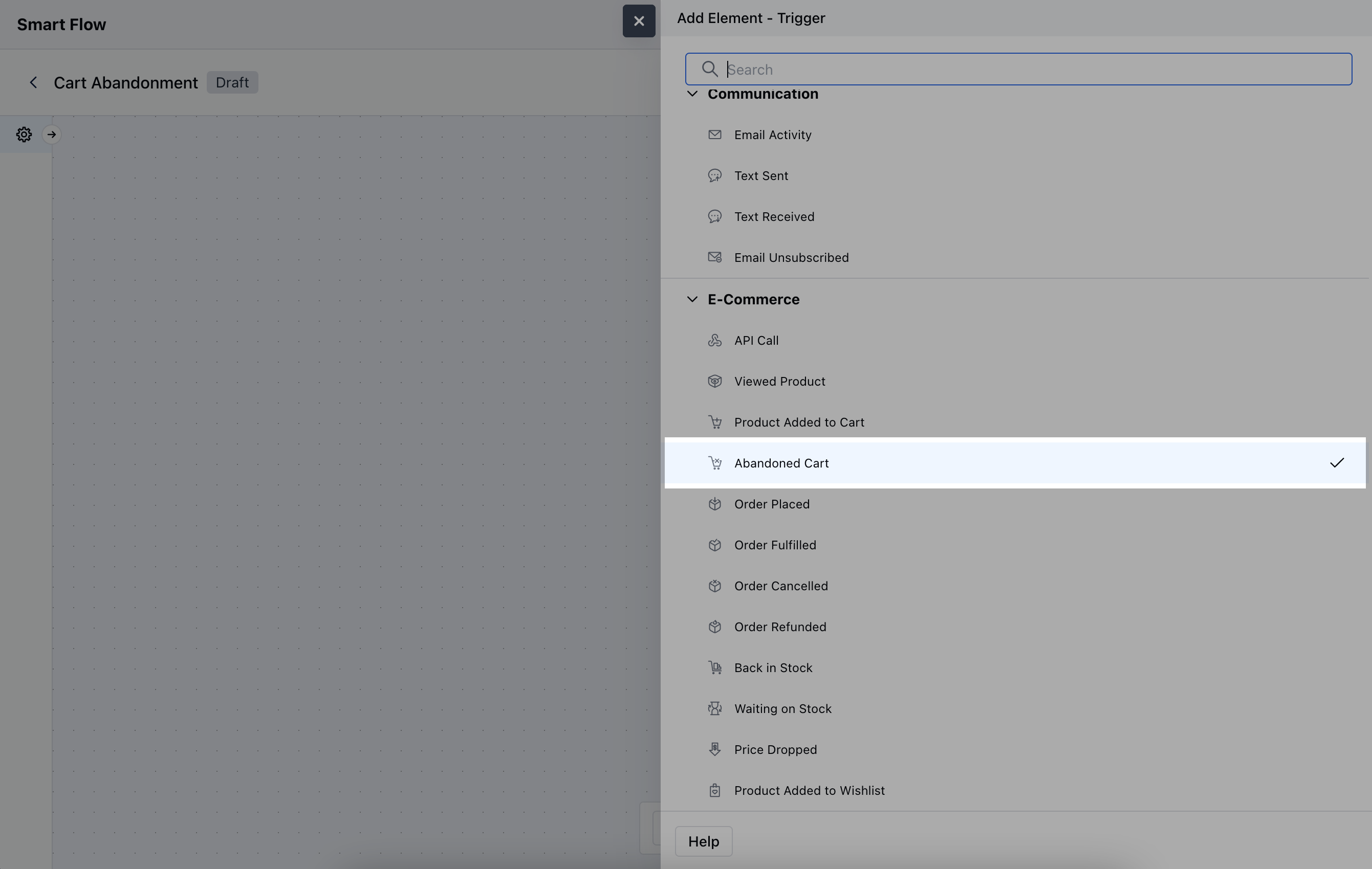
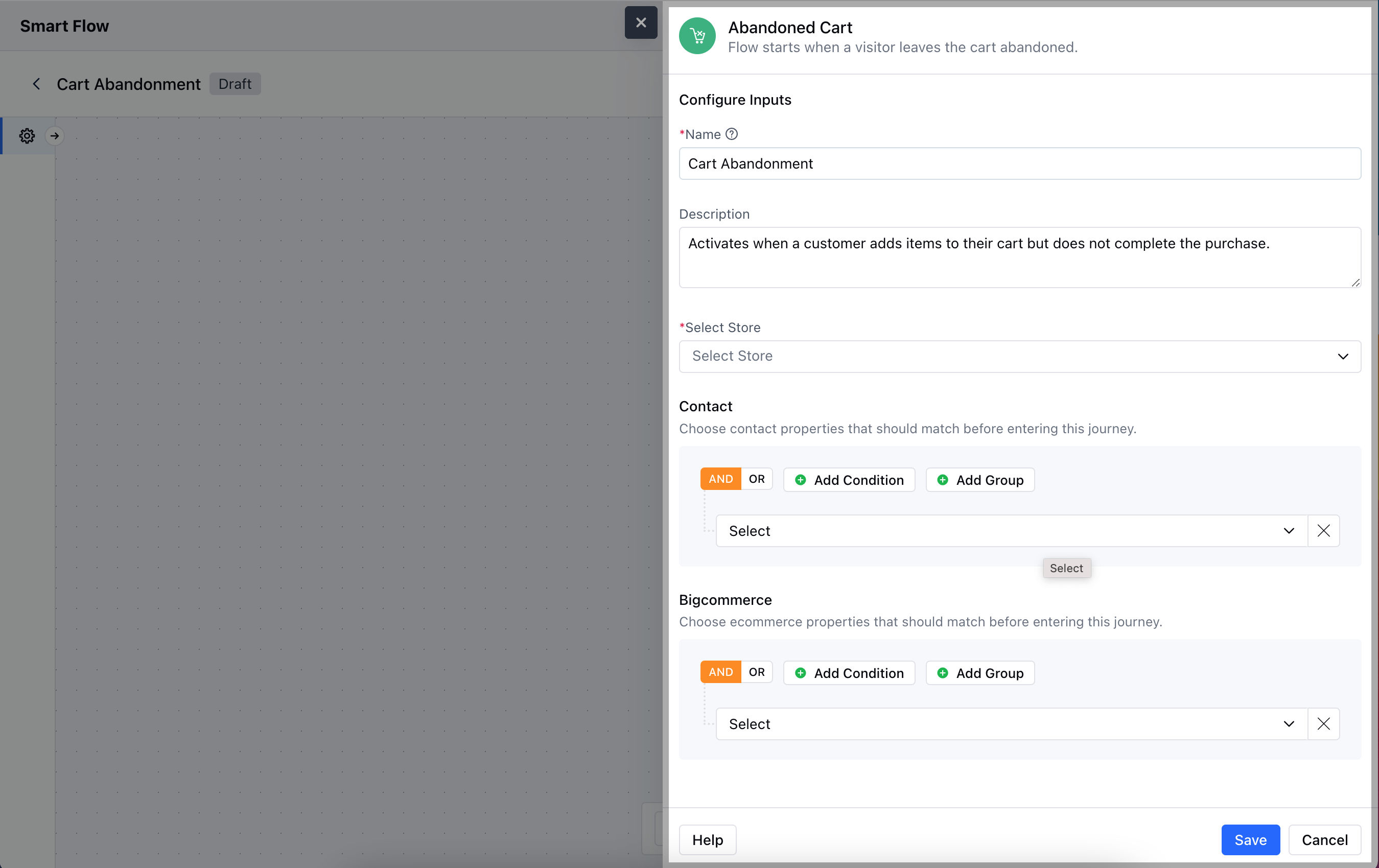
- Name: Provide a clear, descriptive name for the trigger.
- Description: Write a brief explanation of what the trigger does.
- Select Store: Choose the BigCommerce store where the abandoned cart event is being tracked.
- Contact: Define which contact properties should match before triggering this flow.
- BigCommerce: Define which BigCommerce properties should match before triggering the flow.Hit the Save button to save the configuration and start making the flow.
Practical Example
Let’s create a Smart Flow to send out an email to a customer/visitor when they forget a particular product from their cart.