- Topics covered:
- How to Configure Record Deleted Trigger
- Practical Example
How to Configure Record Deleted Trigger
While creating the Trigger Based Flows select Record Deleted trigger.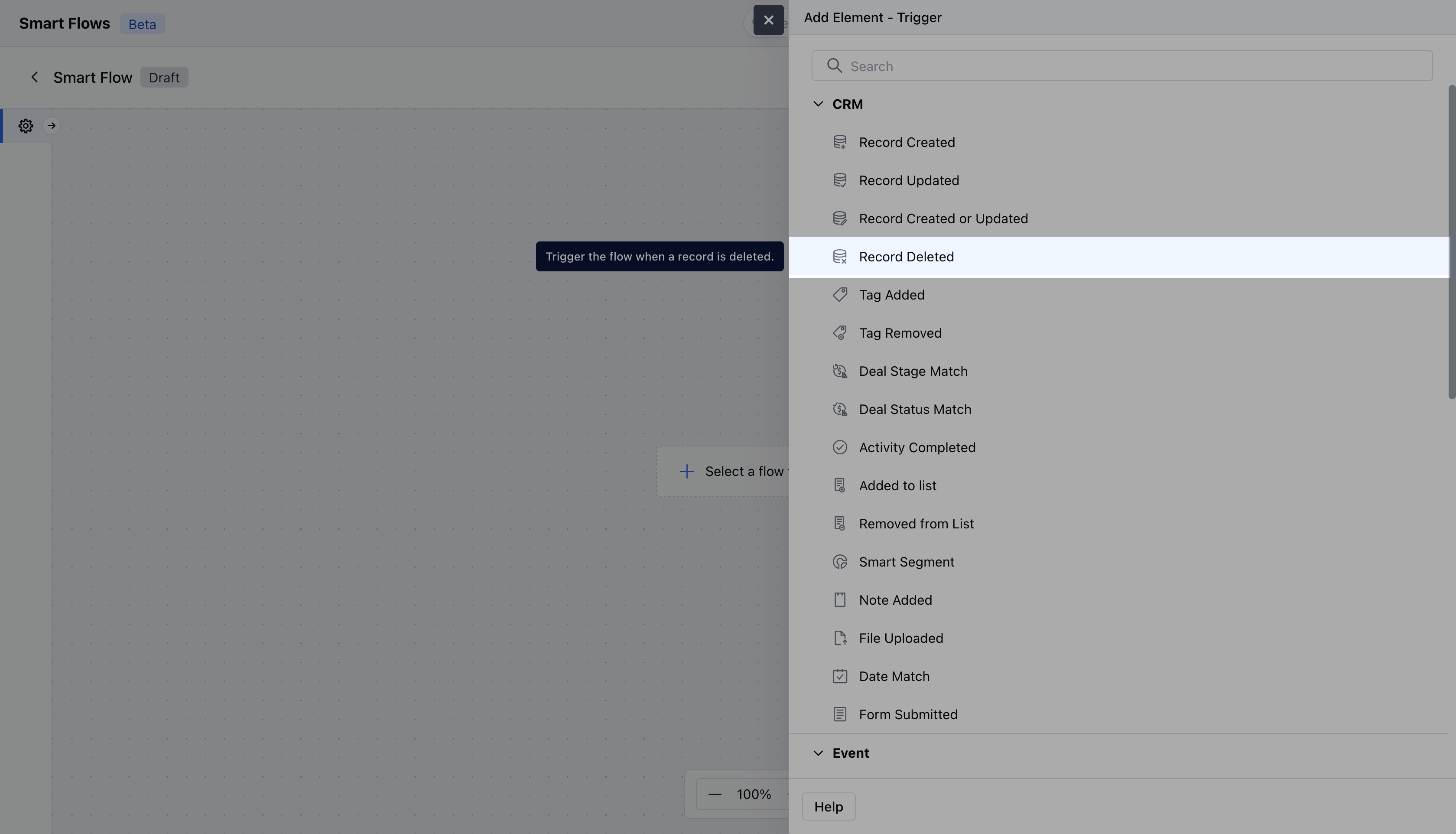
- Name: Provide a clear and descriptive name for the trigger to easily identify its purpose and function within your flow.
- Description: Enter a brief explanation of what the trigger does and its role in the flow.
- Module: Select the specific module where the trigger should be applied.Once done, click on** Save.
-
**

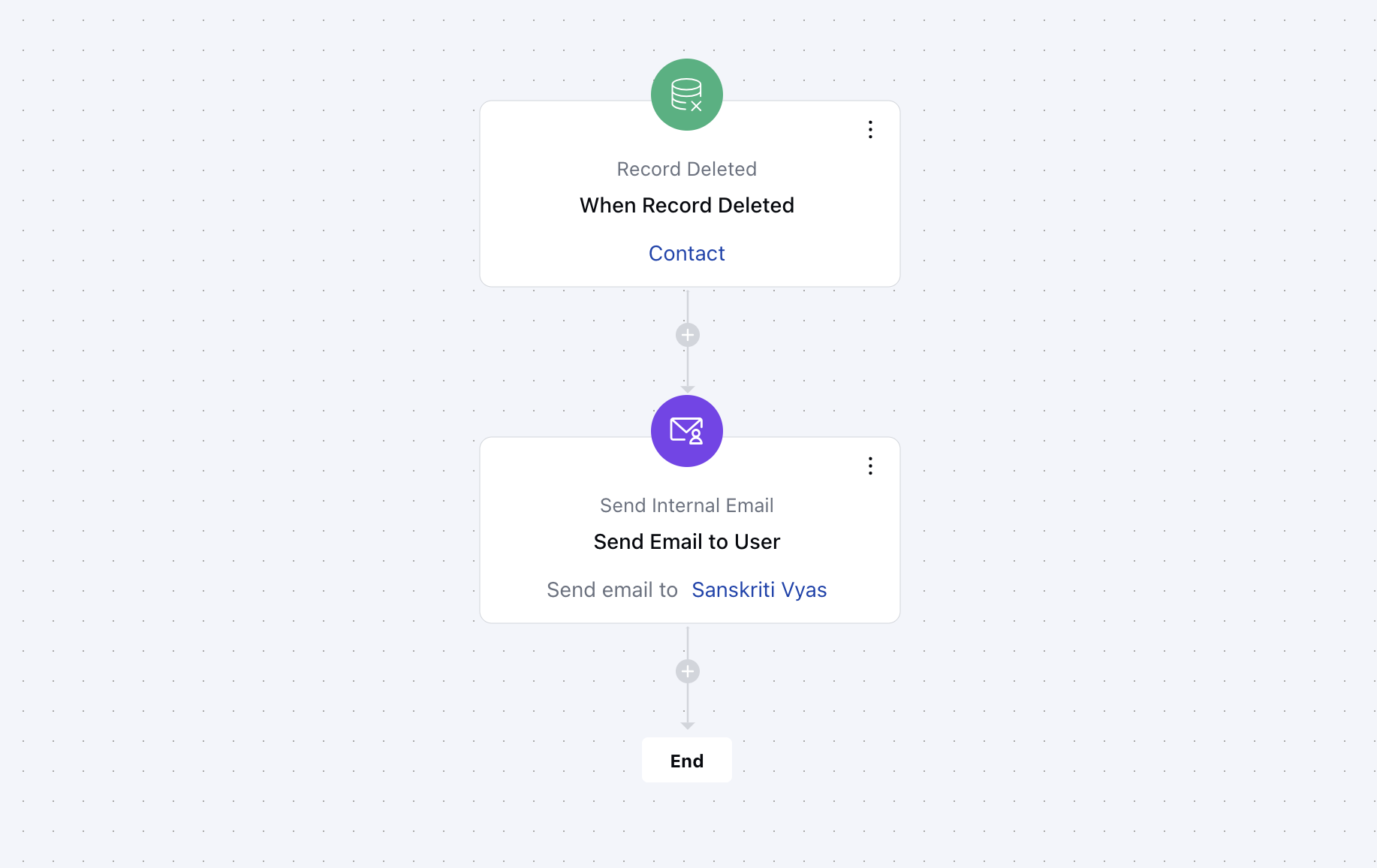
Practical Example
When a customer record is deleted, a notification is generated automatically and sent to the help desk, along with the reason for the deletion. This serves to establish transparency and follow-up measures in order to maintain the relationship with the customer for future purposes.